Examples
Data Studio
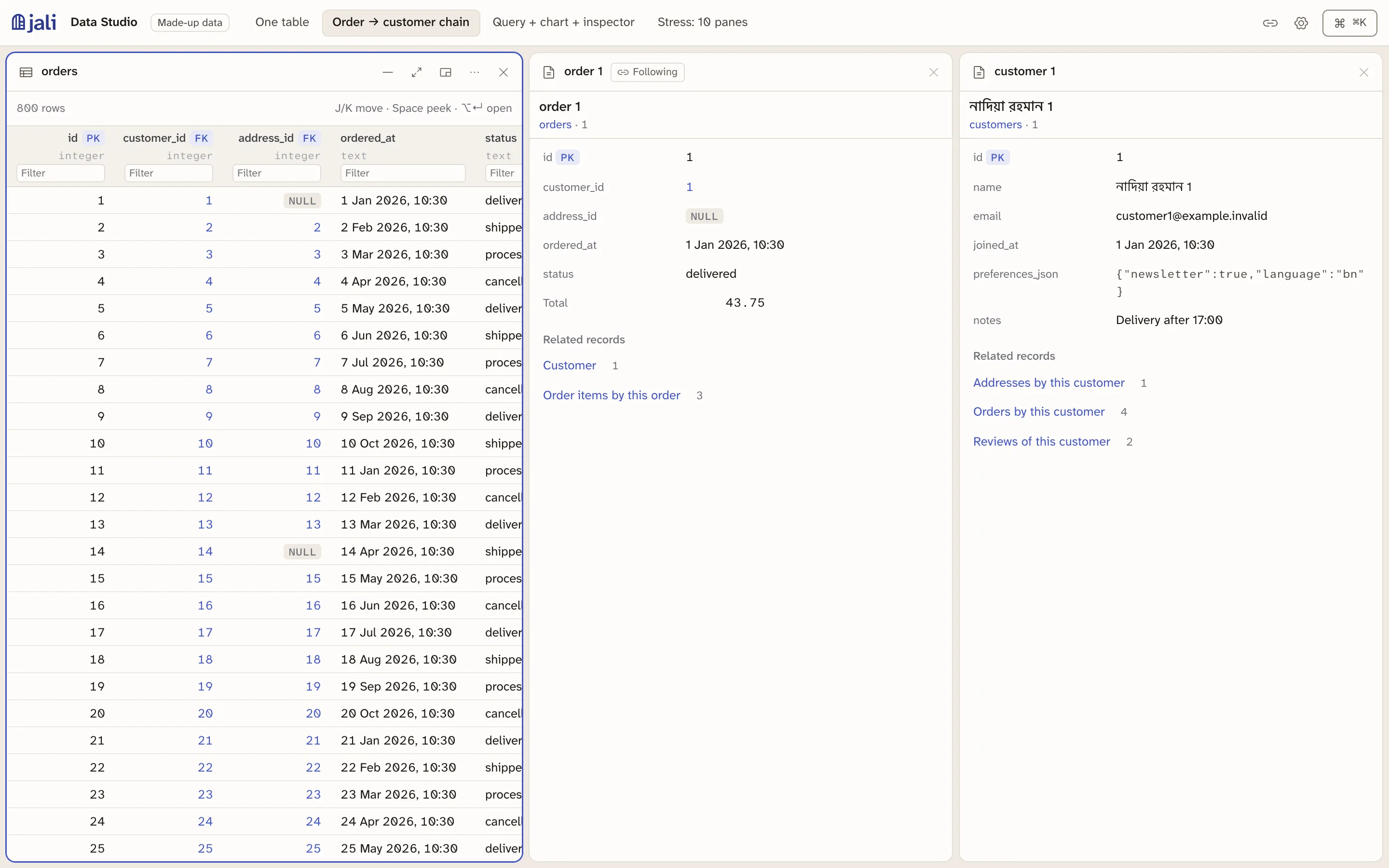
A database browser where the person builds the layout: tables, records, related records, SQL queries and charts, each in a pane.
What it shows
Link to this section: What it showsEach link opens Data Studio in the state that shows it, so you can try it at once.
- A list and the detail that follows itMove through the orders with J and K. The order beside the list follows, and its customer follows the order. How it works
- Unsaved work in a paneEdit the SQL. The draft is pane state, an edit that hasn't run is unsaved work, and ⌘K gains Run query and Chart this result. How it works
- Ten panes on one screenNarrow the window. Panes fold into tabs one at a time rather than squeeze, and come back as it widens. How it works
Its data
Link to this section: Its dataA sample database of shop orders and a home-lending book, running in the browser (PGlite), with no backend.
Run it yourself
Link to this section: Run it yourselfRun pnpm data-studio at the repository's root, then open localhost:5300.